
웹, Android & iOS
모든 화면에서 하나의 앱 — 지금 바로 브라우저로 공부하고, Android 베타를 설치하세요. 진도는 계정을 따라 모든 기기에서 이어집니다.
You need to keep studying all the time for a language to stick. Some of that happens on a phone, waiting for something or someone. Some of it happens at home, comfortably on a laptop with a big screen. Bookverse is one app on the web, Android and iOS, and your progress follows your account between them.
Web — use it right now
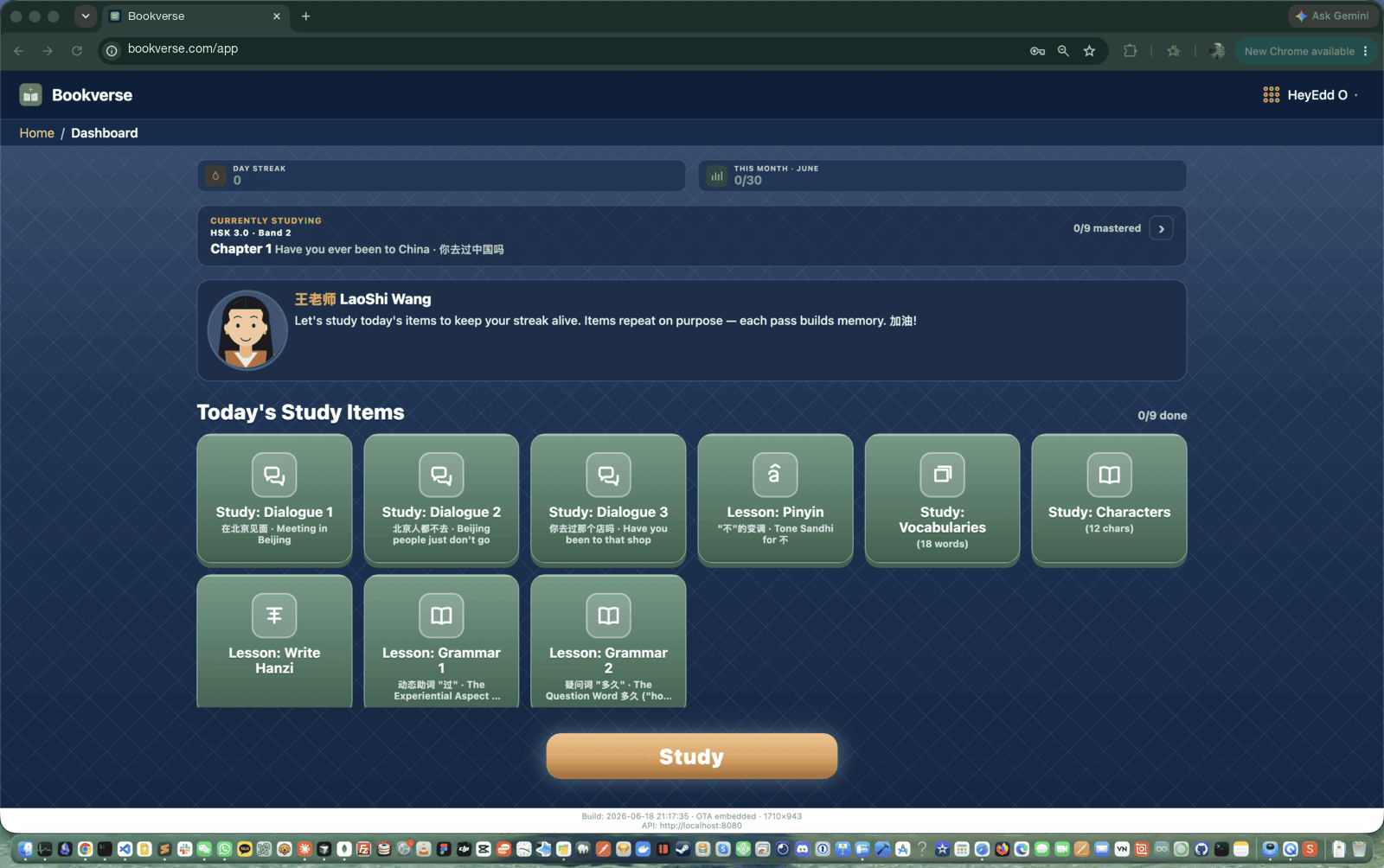
The full app runs at bookverse.com/app in any modern browser, desktop or phone. Nothing to install. It is not a cut-down web version — it is the same application, with the same courses, study flows, audio and progress tracking.
Android — in beta
The Android app installs directly from this site — scan the QR code on the home page — and is also rolling out through Google Play’s testing programme. Same account, same content. Being a native app, it can also do things a browser can’t, like optional local study reminders at your usual study time.
iOS — on the way
The iOS app is built from the same codebase as the Android one. It is not downloadable yet. The web app works well on an iPhone in the meantime.
One account, every device
Your streak, chapter progress, course selection, app language and text-size settings all live with your account, not on one device. Study a chapter on your phone at lunch; the laptop dashboard shows that session in the evening. Change a setting once and it’s changed everywhere.
One codebase
Bookverse is one application compiled for each platform, not three apps kept in sync by hand. When a course or feature ships, it ships everywhere at once. The read, listen, speak loop, the review system and all 12 study languages are identical on every screen.